

- Be the robot: an unplugged instructions game
- Code.org puzzle quest: sequences that solve mazes
- Meet Scratch: sprites, stages and the green flag
- Make your sprite walk, spin and say hello
- My first dance-party animation
4-Month Live Coding Program
Coding & Python
From snapping colorful code blocks to typing real Python — kids build games, apps and real-world projects that solve problems.

Ages 7–143 age-based levels
4 Months16 weeks
Live classes2 live classes / week · 60 min
CertificateDemo Day + certificate
One program fee of $999 covers the full 4-month live program — classes, projects, Demo Day and certificate.
4.9 parent rating
1,860+ kids enrolled
Max 6 kids per class
About the program
What makes it special
Coding is a superpower, and every child can learn it. Your child starts by snapping colorful blocks together in Scratch, moves on to typing real Python — the language used for AI, games and science — and finishes by building apps that solve real problems.
Each level is built for how kids that age think. Code Explorers (7–8) learn sequencing, loops and logic by animating stories and games in Scratch. Python Builders (9–11) switch to real typed code to draw Turtle art, write quizzes and build their first arcade game. Python Pros (12–14) work with data, APIs and app windows and get a first taste of AI. Every month ends with something they made and can proudly show the family.
Classes are live, online and tiny — never more than 6 kids — so your child gets real help from a teacher who knows their name. Each level ends with a Demo Day where kids present their capstone project, followed by a certificate for that level.
Hands-on & project-based
Kids build something real in every single class.
Tiny classes
Max 6 kids per class so every child gets attention.
Clear pathway
Beginner → intermediate → advanced, one level at a time.
What your child will learn
- Think step by step like a programmer (computational thinking)
- Animate stories and build games with Scratch blocks
- Write real Python with variables, conditions, loops and functions
- Create Turtle art and an arcade game with Pygame Zero
- Work with lists, dictionaries, files and real data
- Use APIs, build app windows and explore how AI makes predictions
- Debug problems calmly, one clue at a time
- Present projects with confidence at Demo Day
Perfect for
- Kids aged 7–14 curious about how apps and games work
- Young builders who love puzzles and figuring things out
- Scratch fans ready for “real” code
- Future engineers, scientists and app makers
What you need
- No coding experience needed — every level starts from the basics
- A laptop or desktop with a keyboard and mouse (Windows, macOS or Chromebook)
- Ages 7–8: comfortable reading short instructions
- Free tools only — we set everything up together in the first class
16-week curriculum
Three levels. One big adventure.
Your child joins the level that matches their age. Each level runs for 4 months and ends with a capstone, Demo Day and a certificate — then they can level up.
- Repeat loops: draw a fireworks pattern
- Forever loops that keep the fun going
- Arrow keys that steer a rocket
- Clicks and broadcast messages
- Sounds, costumes and a bouncing-ball show
- If/then: choose-your-path stories
- Sensing: when sprites touch colors and each other
- Variables: build a score counter
- Random numbers for surprise endings
- Bug hunt: find and fix the mistakes
- Dream it: sketch your project plan
- Build it: code your characters and scenes
- Test it: swap and play with a classmate
- Peek at Python: type your first real line of code
- Final Project: Animated story game
- Demo Day & certificate
Final project
Animated story game in Scratch
Talking Pet AdventureCatch-the-Stars Game
- print(): make the computer talk
- Numbers and math magic
- Turtle graphics: draw shapes and colors
- Variables as labeled treasure boxes
- Mini project: name-art generator
- input(): ask the player questions
- if / elif / else decisions
- for and while loops
- Lists: inventories and high-score tables
- Mini project: guess-my-number game
- Writing your own functions
- Sprites and the game loop
- Keyboard controls and movement
- Collisions, lives and scores
- Reading error messages like a detective
- Game design plan
- Building the game
- Adding levels and sound effects
- Playtesting and debugging
- Final Project: Arcade game in Python
- Demo Day & certificate
Final project
Arcade game in Python
Turtle Art StudioSpace Dodger Game
- Dictionaries and sets
- Functions that do one job well
- Modules and Python libraries
- Handling errors with try/except
- Clean-code habits: names and comments
- Classes and objects: build a virtual pet
- Reading and writing files
- Working with CSV data
- Charts with matplotlib
- Data story: what does our class love most?
- What is an API? Fetch live weather data
- Build app windows with Tkinter
- Code a rule-based chatbot
- How machine learning makes predictions
- Using technology safely and responsibly
- Choose a real problem to solve
- Plan features and screens
- Build, test and debug
- Add polish and extra features
- Final Capstone Project
- Coding Demo Day
- Certificate
Final project
Real-world Python app
Weather Dashboard AppHomework Helper ChatbotPocket-Money Tracker

Inside every class
Built for how kids actually learn
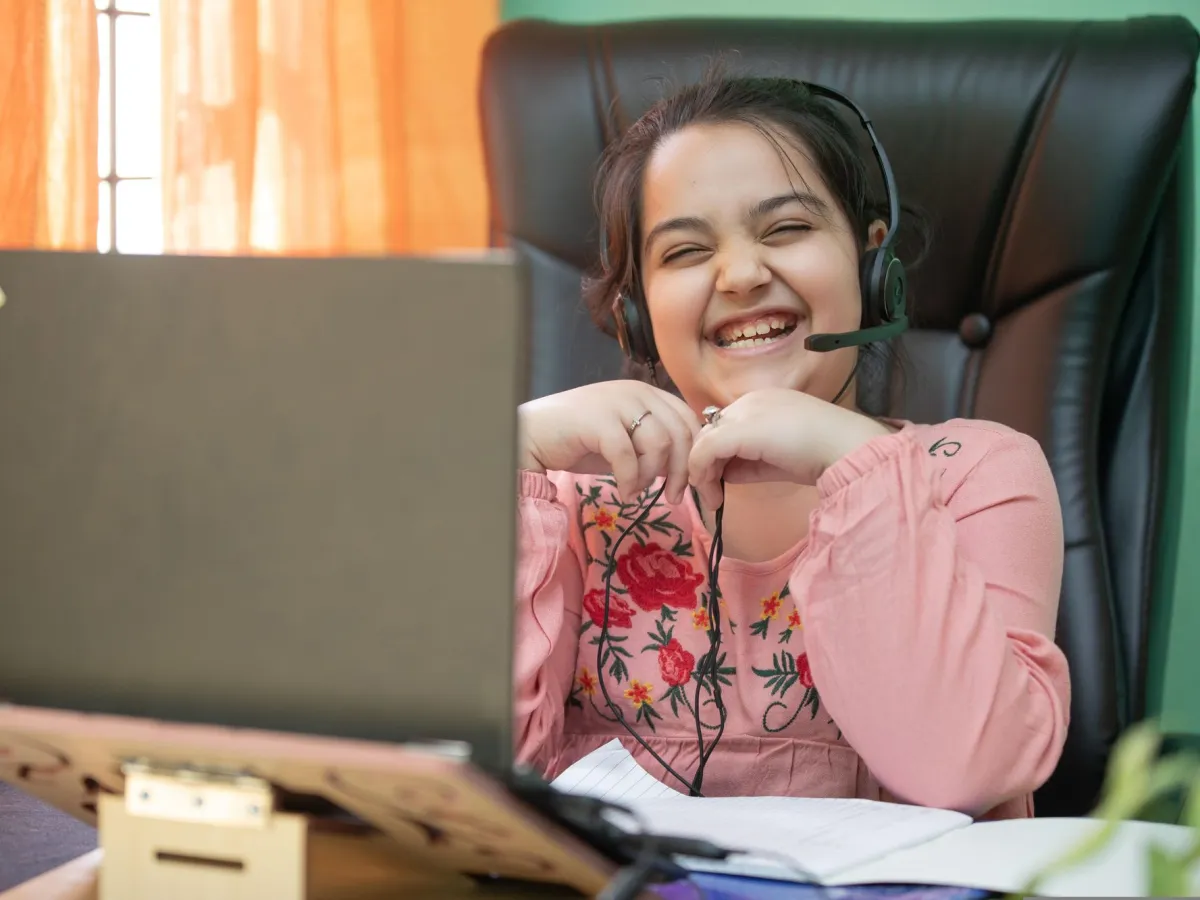
Live, expert teachers
Background-checked instructors trained to teach kids.
Learn by building
Every lesson ends with something your child made.
Parent updates
Progress reports and project showcases after every month.
Certificate & Demo Day
Kids present their capstone and earn a certificate.
Tools & kits your child will use
Code.org
Scratch 3.0
Python 3
Code.org
Scratch 3.0
Python 3
Code.org
Scratch 3.0
Python 3
Turtle graphics
Pygame Zero
Thonny IDE
Turtle graphics
Pygame Zero
Thonny IDE
Turtle graphics
Pygame Zero
Thonny IDE
Replit
matplotlib
Tkinter
Replit
matplotlib
Tkinter
Replit
matplotlib
Tkinter
Capstone projects
Things your child will build
Every level ends with a capstone your child plans, builds and presents at Demo Day.

Every level ends with Demo Day
Talking Pet Adventure
Code Explorer · Ages 7–8
A pet that talks, dances and goes on an adventure you choose.
Catch-the-Stars Game
Code Explorer · Ages 7–8
A Scratch game with falling stars, a score counter and a happy ending.
Turtle Art Studio
Python Builder · Ages 9–11
A Python program that paints spirals, stars and rainbow patterns on command.
Space Dodger Game
Python Builder · Ages 9–11
A Pygame Zero arcade game with a rocket, asteroids, lives and a high score.
Weather Dashboard App
Python Pro · Ages 12–14
An app that fetches live weather and shows it in a friendly window.
Homework Helper Chatbot
Python Pro · Ages 12–14
A rule-based chatbot that answers study questions and quizzes you.
Pocket-Money Tracker
Python Pro · Ages 12–14
An app that saves your spending and turns it into colorful charts.
Certificate & Demo Day
A certificate they'll frame
Every level ends on stage: your child presents their capstone at Demo Day and receives the Certificate in Coding & Python – 4 Month Program with their level clearly named.
- Code ExplorerAges 7–8
- Python BuilderAges 9–11
- Python ProAges 12–14
American Prime Academy
Certificate in Coding & Python – 4 Month Program
This certifies that
Your Superstar
has completed the level
Python Builder — Ages 9–11
Lead teacher
Demo Day

Simple, honest pricing
One price. Everything included.
The full 4-month live program is $999 per child, in US dollars — every live class, project, Demo Day and certificate is included.
school
Enrollment open
Coding & Python
Enroll Now
Program fee — small-group live classes
$999
per child
for the 4-month program
≈ $31 per live class · 32 live classes over 16 weeks
Enroll Now — $999
Secure checkout by Stripe · card & pay-later options
 4-month live program
What’s included
- 4 months of live classes · 32 sessions
- 3 age-based levels — we place your child
- Max 6 kids per live class
- A hands-on project every month
- Certificate of completion
- Demo Day showcase for family
2-week happiness promiseFull refund if it isn’t the right fit.
Sibling discountSiblings save 15% on every program.
Secure Stripe checkoutEncrypted card & pay-later options.





 Powered by

Questions first? Talk to our team
Parent reviews
Families love it
“Aiden used to spend weekends on video games. Now he spends them building robots and explaining sensors to his grandpa. The Demo Day was the proudest moment of our year.”
“The teachers are magical with young kids. Anaya finished her first animated story in week three and has not stopped creating since.”
“Ethan built a weather app that pulls live data. The jump from Scratch to real Python was perfectly paced — challenging but never overwhelming.”
“Mia went from dreading math to asking for extra puzzles. Her school teacher noticed the difference in just two months.”
“Zara trained her own plant-disease detector. The responsible-AI lessons were a big plus for us as parents.”
“Noah published his own Roblox obby and his friends play it every day. He finally understands that games are made, not just played.”
Questions
Parents often ask…
Can’t find your answer? Our parent success team replies within a few hours.

Not at all. Code Explorers (7–8) learn with colorful Scratch blocks and puzzles, so there is very little typing. They only meet typed Python once they are ready, in the Python Builder level (9–11).
Any laptop or desktop with a keyboard and mouse. We use free tools like Scratch, Thonny and Replit and set them up together in the first class.
Yes — the program builds the core computational-thinking skills used in school computer science, math and coding clubs.
Small-group live classes have a maximum of 6 students, so every child gets individual attention.
Every class is recorded for your family, and we offer free make-up sessions so no one falls behind.
Click Enroll Now and pay the program fee — $999 for the full 4-month live program, covering every class, project, Demo Day and certificate. After you enroll, our team confirms the right level and class time with you.
Max 6 kids per live class
Ready to start Coding & Python?
Enroll today — we’ll match your child to the right level and a class time that suits your family. One program fee of $999 covers the full 4 months.

Keep exploring
More adventures to try
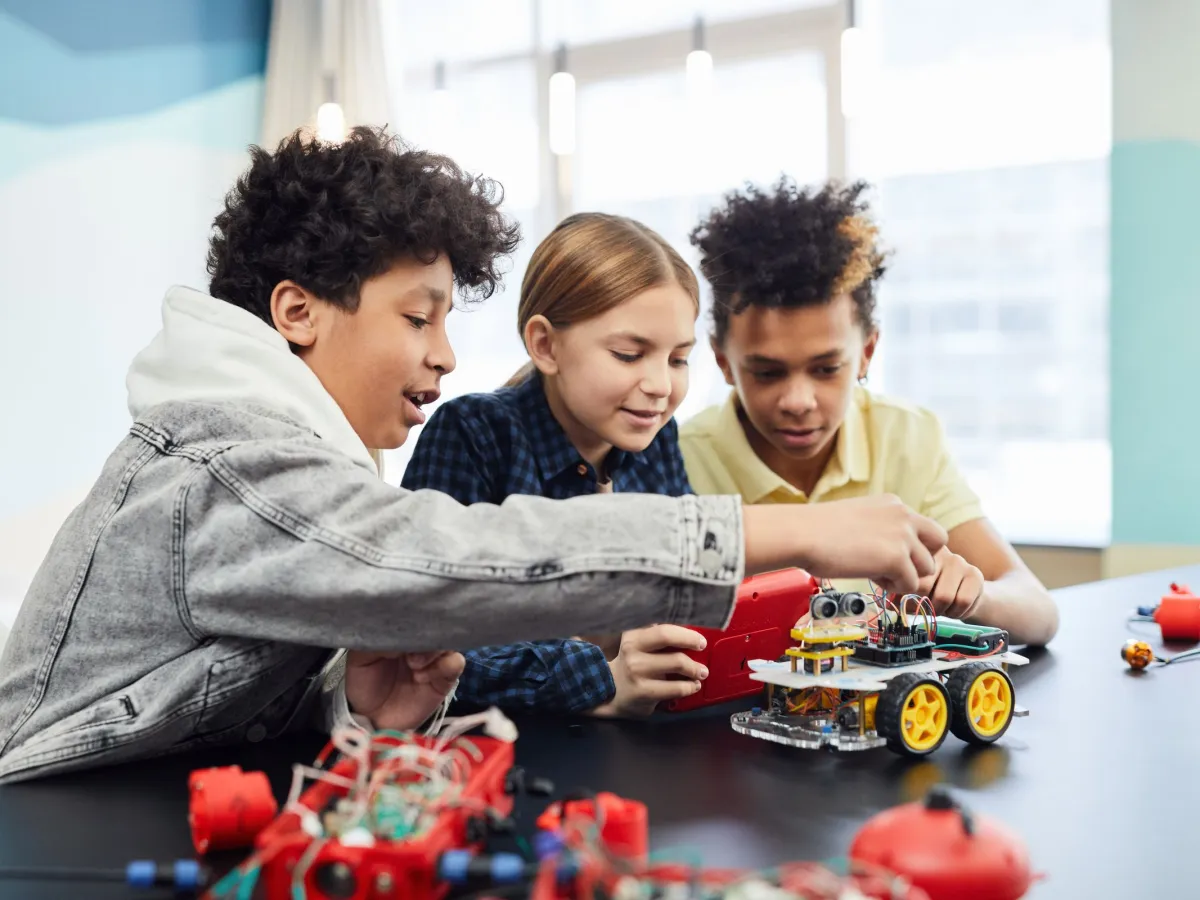
Robotics Program (New)
Build, design and program real robots.
L1 · 8–9
L2 · 10–11
L3 · 12–14
Ages 8–14
4 Months · Live classes · Certificate
Program fee $999
Enroll Now in Robotics Program — $999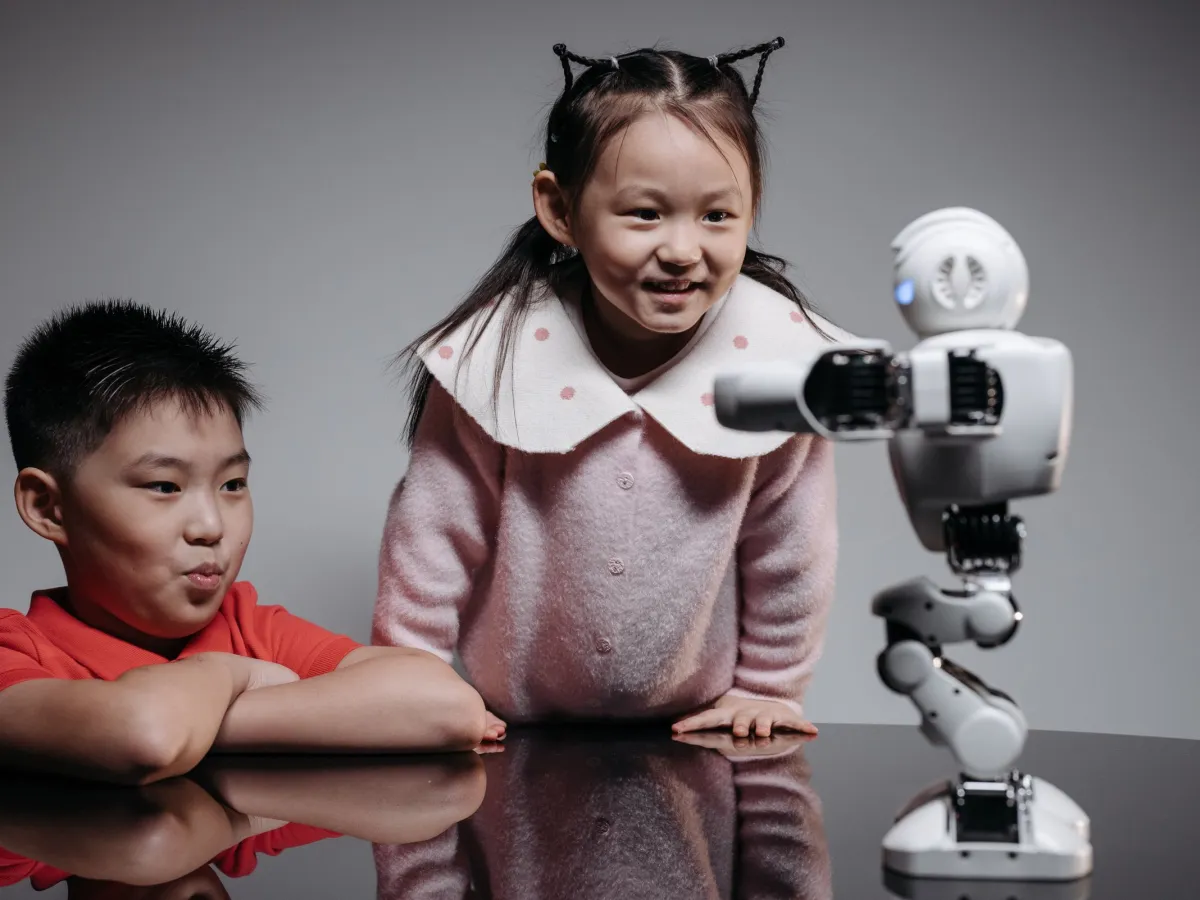
AI & Machine Learning
Understand AI, train models and build the future.
L1 · 9–10
L2 · 11–12
L3 · 13–14
Ages 9–14
4 Months · Live classes · Certificate
Program fee $999
Enroll Now in AI & Machine Learning — $999
Coding & Python
4-month program